 VPS Manager
Know where you stand.
Save your hosts and inspect their health through the connection you already trust.
- Host fingerprint verification
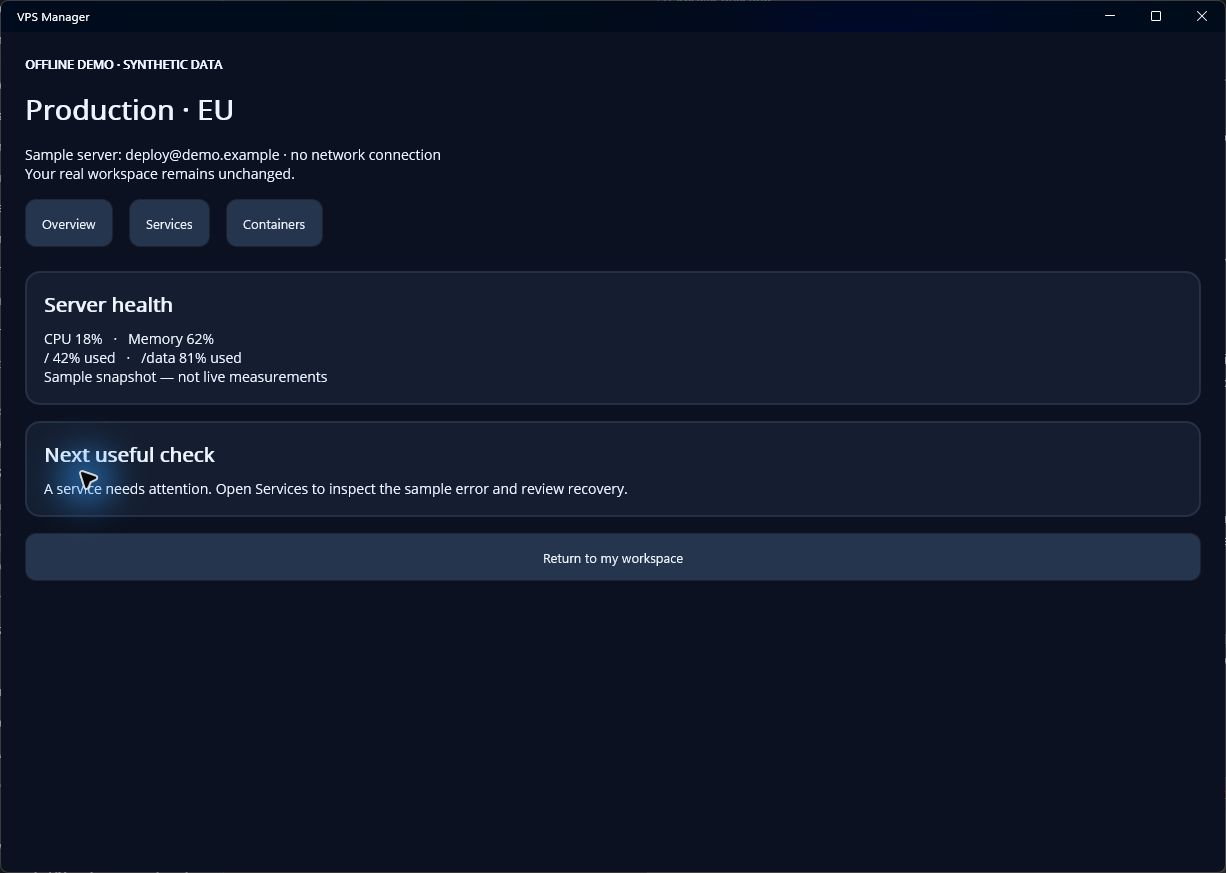
- CPU, memory, disk and uptime
- Capability-aware administration
A focused workspace for server operators
Inspect services and logs, review a script, or work directly in an interactive SSH shell. Keep the target and the next action in sight.
Development preview. Platform availability varies.
Less hunting. More context.
For the moment when you know something needs attention and want a clear way to investigate it.
Save your hosts and inspect their health through the connection you already trust.
Move between clear service controls, reviewed scripts and an interactive SSH terminal.
Bring useful presets and file transfers into your existing server workflow.
Built around the next task
Start with an inspection. Use the app’s shortcuts when the server supports them, and your own commands when it doesn’t.
Check CPU, memory, disk and uptime. Inspect processes and recent logs before choosing a next step.
Explore the overviewInspect its state, prepare a scoped action and review the result. Server permissions remain in control.
Explore service recoveryFind the container, inspect its status and logs, then review a start, stop or restart action.
Explore container checksLocal by design
VPS Manager connects directly to the servers you choose. There is no required VPS Manager account or hosted control plane.
Read about storage and privacyConfirm the SSH fingerprint on first connection. A changed key blocks authentication until explicitly reviewed.
Profiles and secrets live in an encrypted vault. The operating system stores its key separately.
Reviewed Scripts show a preview and confirm changes. Terminal keystrokes go directly to the connected shell without per-command confirmation.
Your SSH account and server policies control what is allowed. The app installs no server agent.
See what is available for your device and take a look at the demo workflows before connecting a real server.
Check platform availabilityNo public app-store release is promised by this preview.

Scan for the demo link.
Or open the web preview