VPS Manager
Demo workflow · no real server required
Look inside the incident.
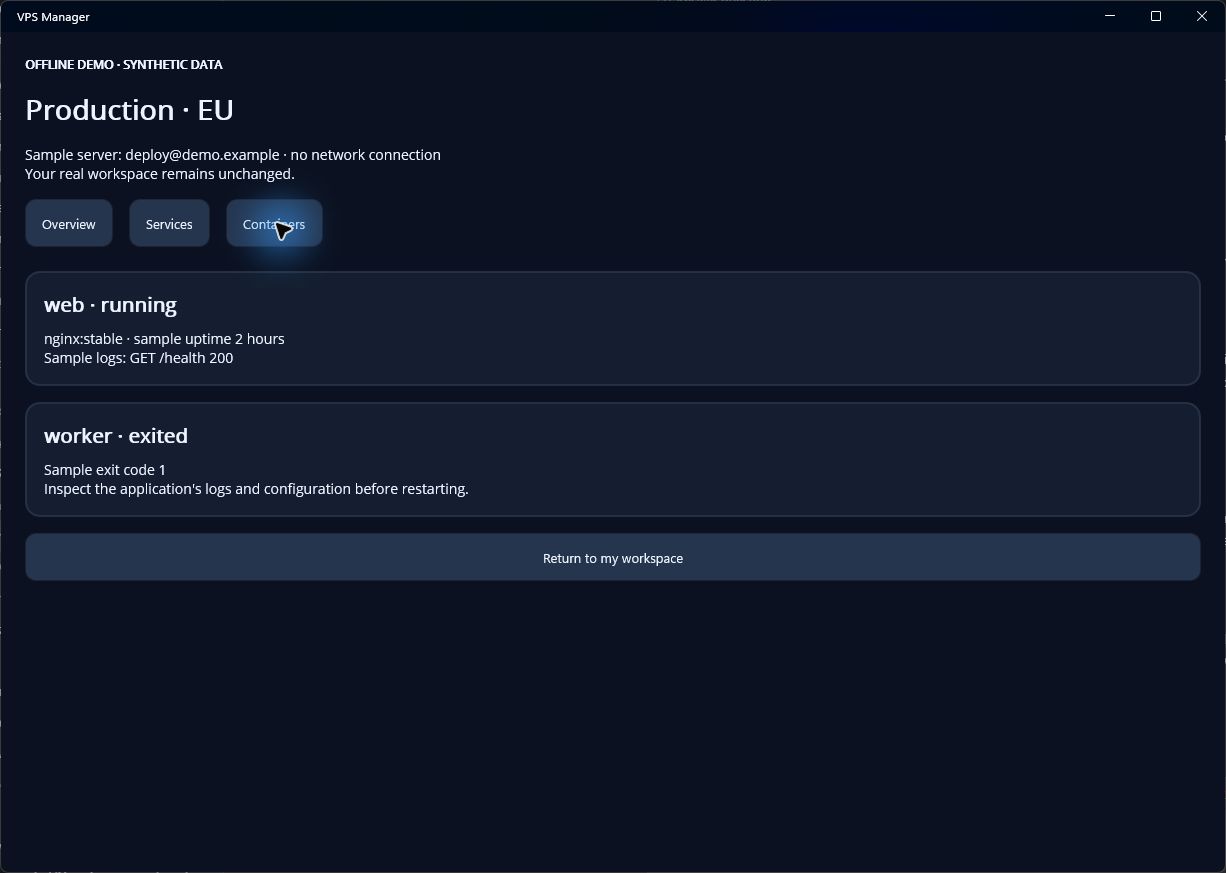
Inspect a Docker container’s status and logs without losing track of the host you are administering.
A useful sequence
- Find the containerUse Docker shortcuts when the CLI is available to the SSH account.
- Read the evidenceInspect status and recent logs before deciding whether a restart is appropriate.
- Keep the action scopedReview a start, stop or restart for the selected container. Deployments and full Compose orchestration remain outside these shortcuts.
This is a web workflow preview. Compatible installed builds can open an isolated in-app demo from the same link. No real connection is created and no remote command is run.
Check app availability