VPS Manager
Demo workflow · no real server required
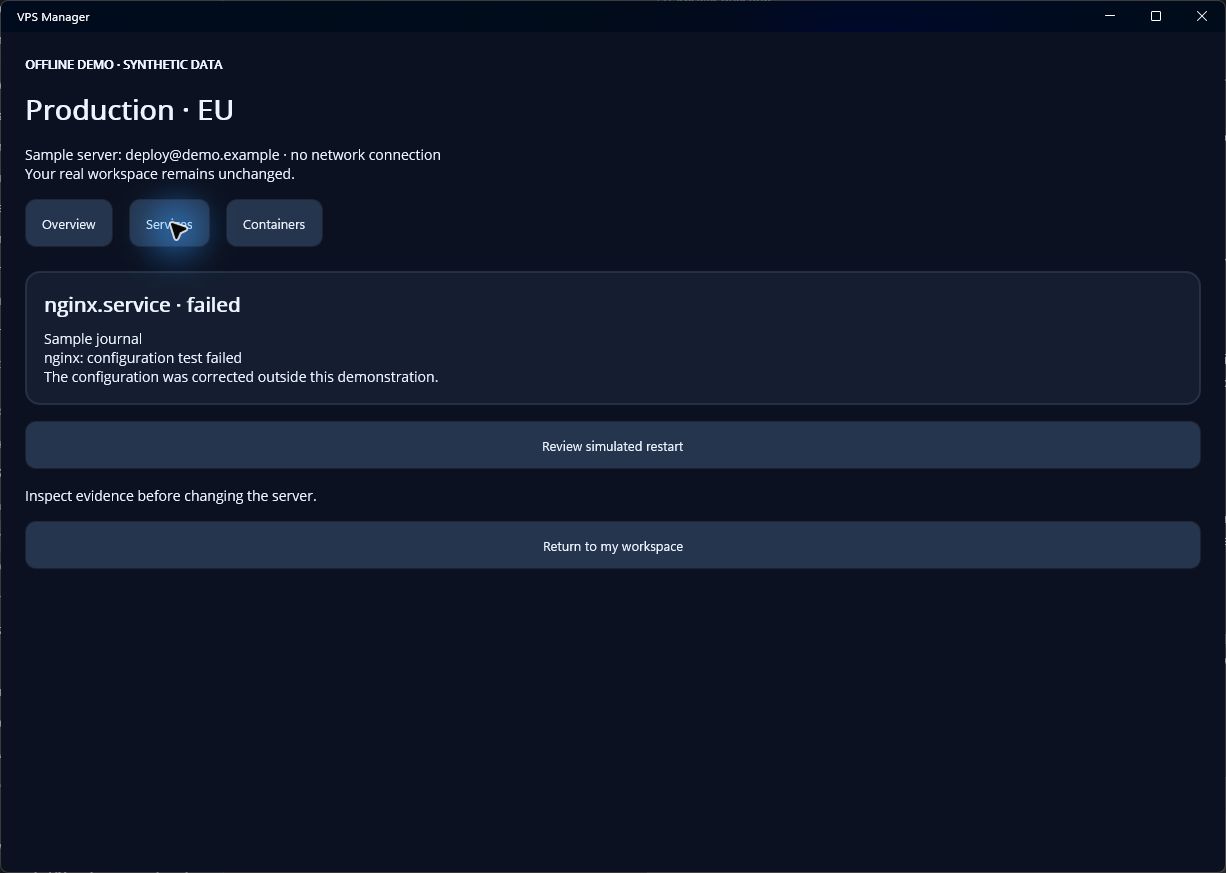
Follow the service.
Move from a service’s state to its logs and a reviewed recovery action.
A useful sequence
- Identify the serviceCheck the detected service manager and select the affected service.
- Inspect its state and logsLook for the most useful recent evidence. Log support varies by remote platform.
- Review and verifyInspect the restart command, confirm the target and review the result. A remote permission error stays an error.
This is a web workflow preview. Compatible installed builds can open an isolated in-app demo from the same link. No real connection is created and no remote command is run.
Check app availability