VPS Manager
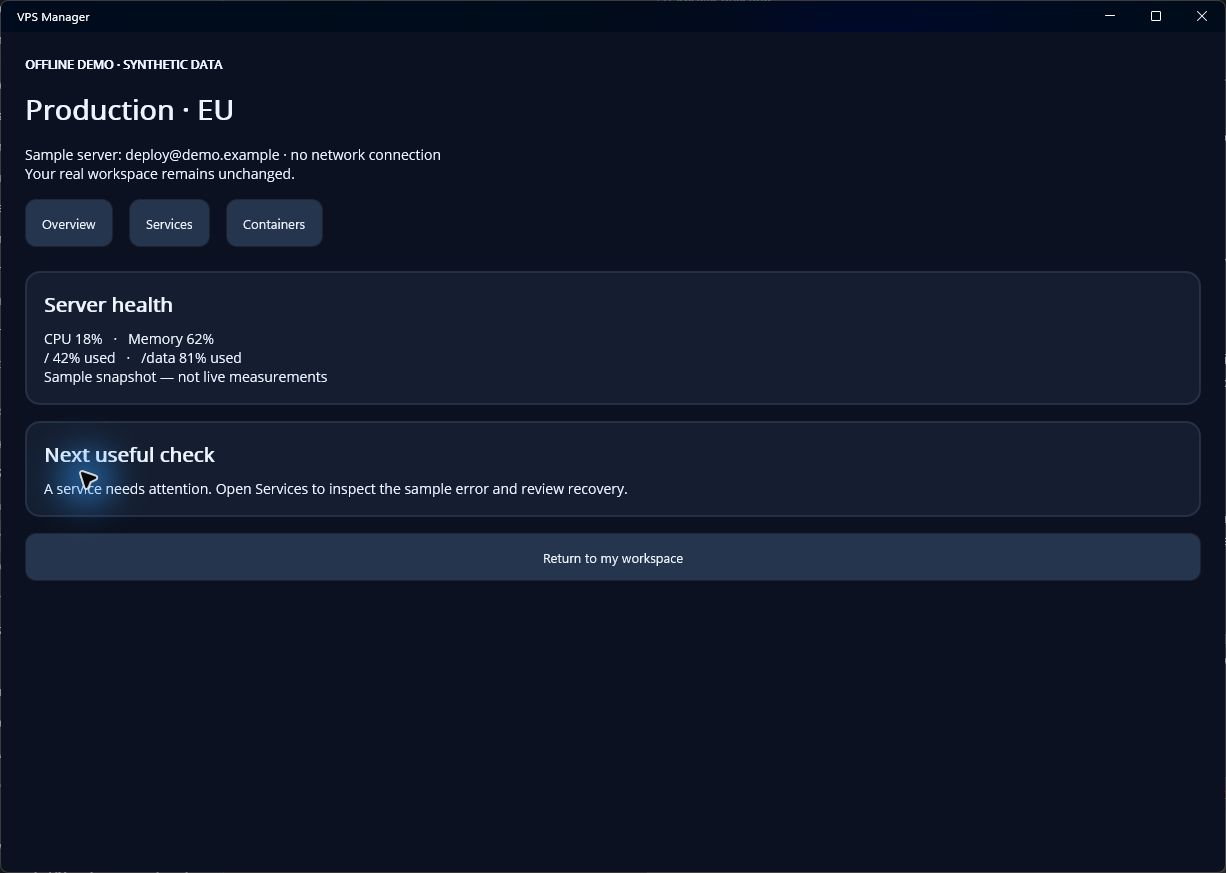
Demo workflow · no real server required
Start with the host.
A quick view of what to inspect when a server feels slow or a service is behaving unexpectedly.
A useful sequence
- Connect with contextChoose a saved profile and verify the server identity before authentication.
- Inspect the basicsReview CPU, memory, disk and uptime. Use logs and process information to narrow the problem.
- Choose the next stepPreview a command or open the relevant service or container. Inspect the result before taking another action.
This is a web workflow preview. Compatible installed builds can open an isolated in-app demo from the same link. No real connection is created and no remote command is run.
Check app availability